Setting up the Software
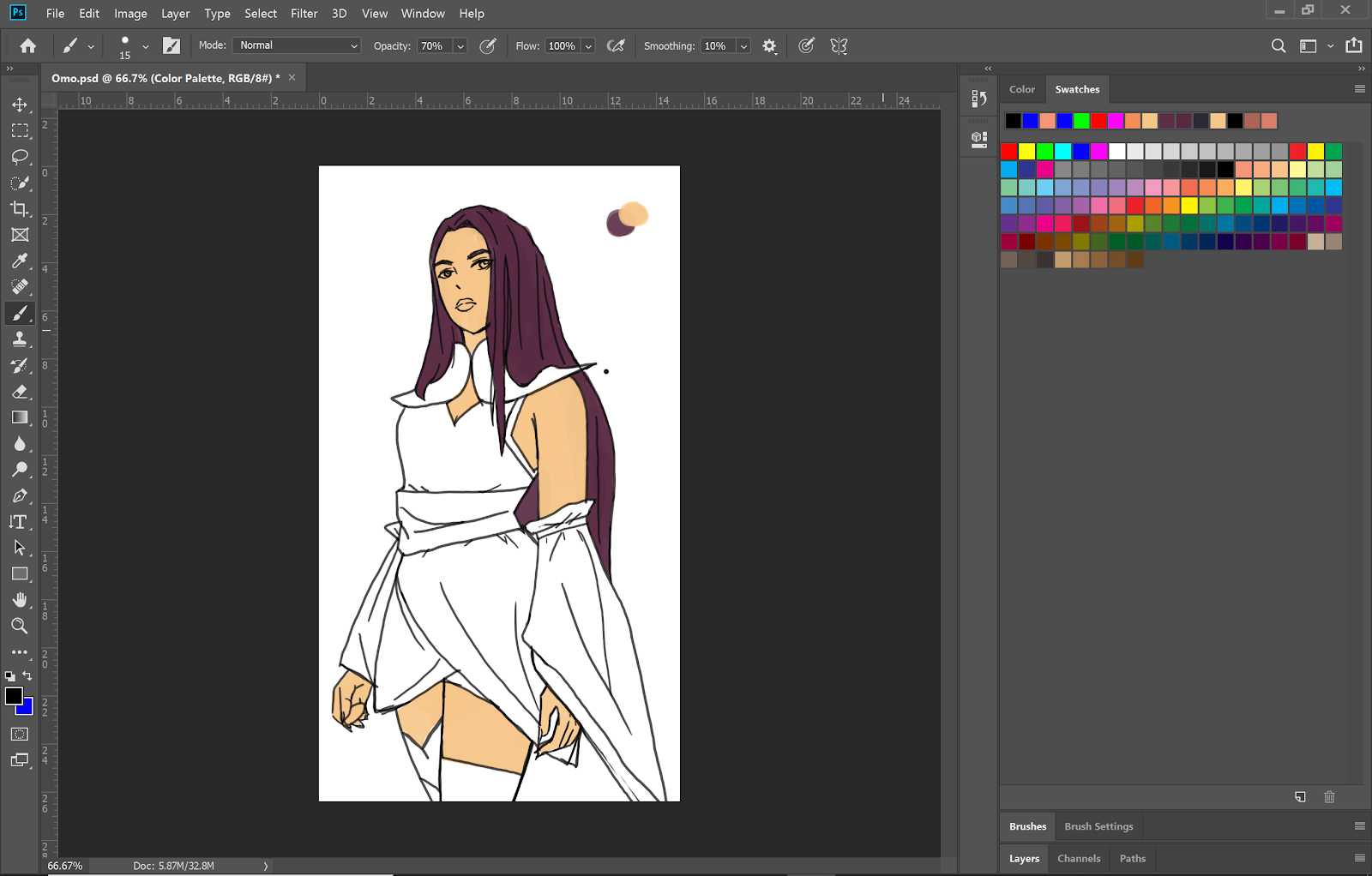
During this section, I was able to reactivate my Adobe Cloud provided by the school. I’ve decided to switch over to Adobe entirely to avoid conflict trying to mash two different products together. Krita will be a great animation software for me to use during my free time when I do not have access to the Adobe Cloud. On top of that, I have much more resources on youtube about Adobe products than the Krita software. During the short period of time I’ve used Krita, I’ve encountered this problem I did not know how to fix: The onion skin layer. I didn’t know how to turn on the onion skin layer to look at the previous frame(s). Onion skin layer is really important because it makes it easier for me to draw consistently in each frame. It was a simple solution, but I needed help actually turning on the onion skin mode because no one told me I had to switch on the light bulb.
Onion skin:
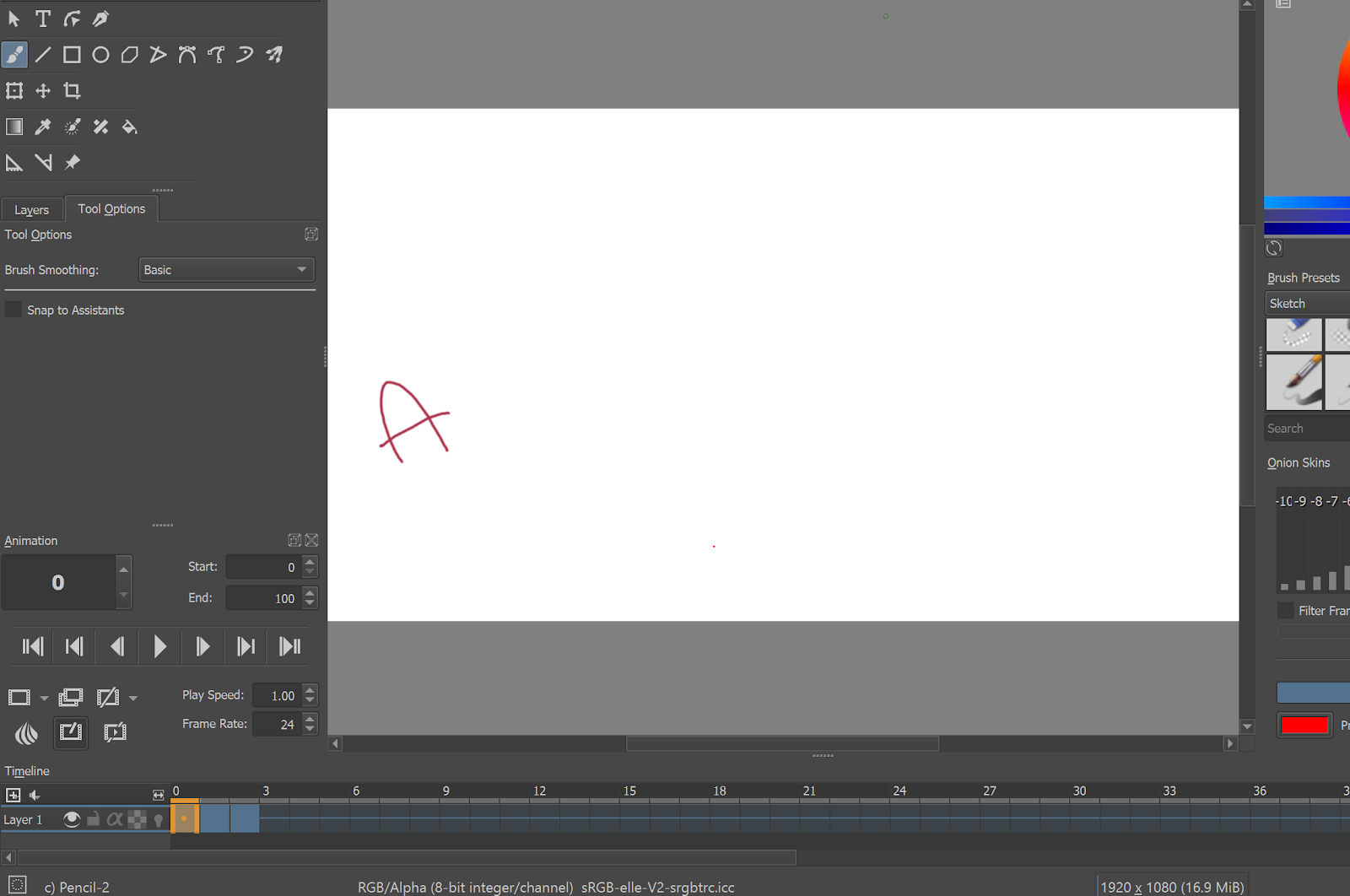
As you can see, I cannot see the frames B and C. I have to guess where A was last place and redraw the frame by eye. This makes my animation really inconsistent and inaccurate. Now when I switch on the onion layer, I can see the frame before (A), the current frame (B) and the next frame (C).

This simple problem took me 2 days to figure out what I was doing wrong. I knew how to set up the workspace in Krita, but I didn’t know how to switch on the onion skin layer. Search through the Krita website didn’t really help because their in depth guides focused more on the digital art aspect than animation. It took me a few hours skimming through YouTube videos to find someone that explained how to turn on the onion skin layer. In the picture above, I circled (in red) a light bulb. The solution to my problem was to toggle on the light bulb to trigger the onion skin mode. This really annoyed me because I figured out to toggle on the onion skin mode using Adobe Photoshop within 10 minutes after playing around with the settings. Unlike Krita, Adobe has their little icons labeled and more resourced to watch on Youtube or read on their website.
This realization made me switch to the Adobe Cloud. I rather learn a new program with a lot of resources I can learn from. It will save a lot of time when it comes down to the animation.
My goals for the next section will be sketching the character designs. I already have a basic story in my head, so now I want to start diving into the characters themselves. During this time I’ll also be practicing on my consistency in art by drawing the characters repeatedly and finding that style that best suits the song.
Animation Test on Krita:


Comments
Post a Comment